Getting Better at Handing Work to AI
How I decide what to hand to AI, what I check before anything leaves my desk, and where the research says it fails.

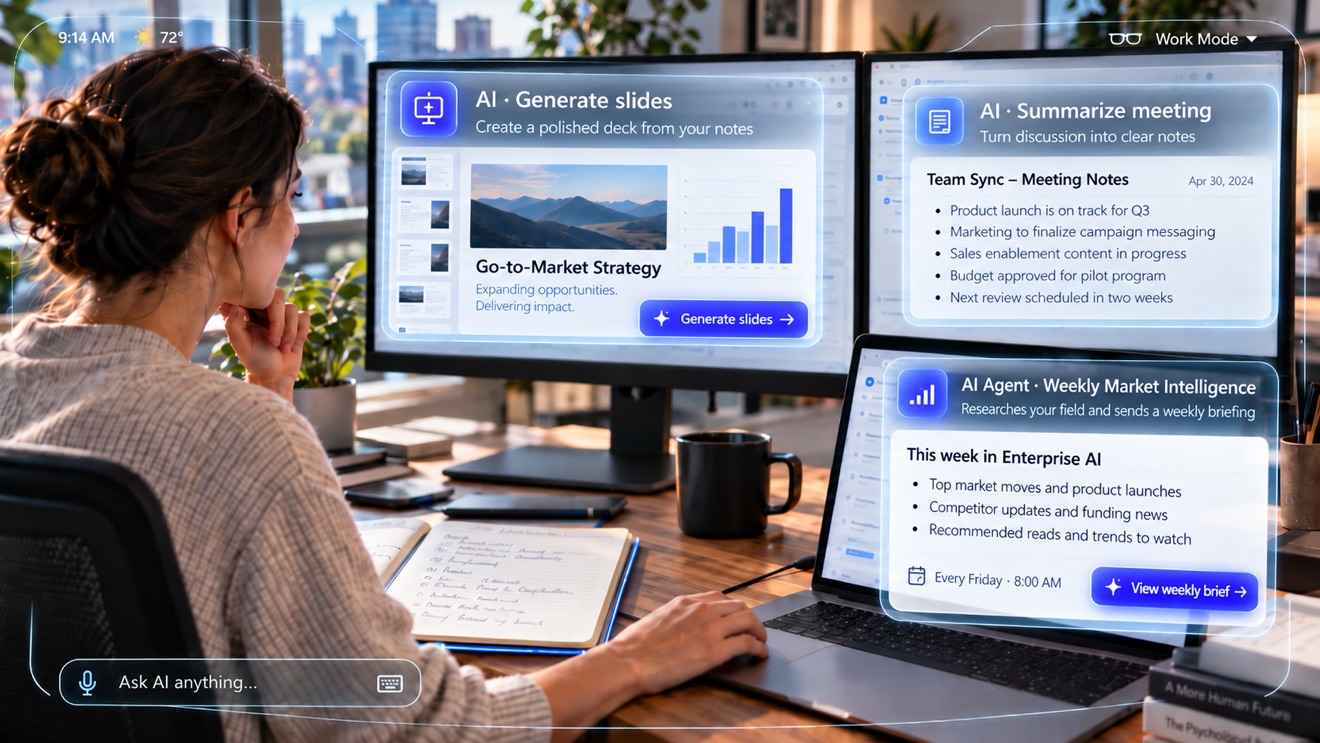
It was Monday morning, and I needed to modify the format of a PowerPoint presentation for our internal reference program. My creativity was lacking and we needed this soon. Modifying formats and adjusting them can be time consuming, so I asked AI to help me. After some troubleshooting and correcting, I was able to create a final product converting that into an AI skill (a saved set of instructions the assistant follows every time). It created this with a consistent format with the right language.
This also was not one of those generic AI-looking decks, since I built the presentation offline first, then made the AI adhere to the formatting principles. I also shared the skill with colleagues who use our internal tools, so they could benefit from the design. It saved our team hours, and it will continue to save hours of effort since the skill created the approved framework every time!
Talk about productivity: I found a slow, repetitive task, set the standard, had AI build a reusable skill, fixed it until it was right, and shared it.
Moments like this are what start the “will AI take our jobs?” conversation. I find a smaller question more useful. What happens to me when the person in the next seat can do the routine parts of my job in half the time?
The hiring data suggests that person already exists. LinkedIn found that U.S. jobs requiring AI literacy skills grew 70% in a year.1 The World Economic Forum ranks AI and big data as the fastest-growing skill set through 2030.2 PwC reports that skills requirements are changing more than twice as fast in the jobs most exposed to AI as in the least exposed.3 A few years ago, knowing these tools set you apart. Employers are starting to assume it.
Knowing where it fails
The skill that matters is deciding which pieces of your work to hand off, giving the model enough to work with, and knowing how closely to check what comes back.
The research shows both the payoff and the risk. In a field experiment across 66 firms and more than 7,000 knowledge workers, people who regularly used an AI assistant built into email and meetings spent about two fewer hours a week on email and did less work after hours.4 In another study, 758 BCG consultants used AI on realistic consulting tasks. On tasks the model handled well, they finished 12.2% more of them and worked 25.1% faster. On a task just past what the model could do, they were 19% less likely to reach a correct solution than consultants working without it.5
The tool was the same on both tasks. What changed the result was whether the task suited the model.
What this looks like on a Tuesday
On Tuesday I was adding to our reference program content using the skill that was already built. I realized I had more data (Context) that could give the presentation more depth. I gave the model descriptions of the services customers had used, with no personal information. I hadn’t asked for new slides, but it took our old Gantt charts as a starting point and produced new visuals that showed the data from angles I hadn’t considered. It proved valuable.
Early AI use felt like a side trip. You opened a chat window, asked something, copied the answer, and went back to work. Now the assistant sits inside the tools I already use. A meeting transcript becomes a list of action items, and the action items become the first draft of the follow-up email. The same notes seed a first version of the deck, which I then rework into something an executive will read.
No single step there is impressive. The time I save comes from not reformatting the same context five times a day from different perspectives.
Microsoft’s 2026 Work Trend Index found that 86% of AI users treat the output as a starting point.6 Respondents named quality control and critical thinking as the human skills gaining importance. The process isn’t perfect. In the Tuesday example, I had to coach it on what I wanted in the Gantt chart, because it didn’t always pick the most useful data points. That’s why people talk about keeping a human in the loop: the model builds, and I decide what’s right.
The habits I’d pass on
If I had to name the habits that matter, I’d start with ownership. I’ll let a model draft a customer update, but I’m the one who sends it. I give it the real source material: meeting notes, earlier decisions, the personas reading. I check numbers and anything customer-specific before they reach a slide. When a task repeats every week, I save the setup so I’m not starting from a blank chat. I also keep some decisions for myself. A model will happily weigh in on a high-stakes customer call, and that’s exactly when I don’t ask it. I rarely send exactly what the model gives me and modify the content accordingly.
The gap that opens quietly
I don’t expect AI to replace most roles outright. What worries me more is a role whose expectations change faster than the person in it.
PwC found that productivity grew faster at companies in the most AI-exposed sectors: 34% since 2018, against 24% for the least exposed.3 LinkedIn reports that AI adoption is still low and concentrated in a few job functions.1 Put those together and I expect to see two people with the same title drifting apart in what they can deliver, a little more each year.
Staying on the right side of that takes less than people fear. You need enough familiarity with the tools to spot the repetitive parts of your week, and enough skepticism to notice when a model sounds surer than it should.
What to do with the half hour
Say AI saves you thirty minutes on a status update. The instinct may be to spend it on more email. I’d rather spend it on activities that are central and strategic for my role. For me that means reading the latest release notes, the briefing report on our releases, reading the latest trend reports (which I also have an AI Agent helping me with). We usually pitch AI as a productivity gain. The bigger opportunity is what people do with the time it gives back, and it’s at the point people will advance or fall behind.
Nobody can promise a role will survive the next five years. However, I can control how well I understand my own work and how often I improve the way it gets done. AI has become one of the better tools for that, as long as my judgment stays attached to the result.
Where to start
Pick one task you do every week. Figure out which part is mechanical, what a model would need to know to do it, and what you’d still have to check or say yourself. Then save the setup so next week starts further along. If your company already provides AI tools, start there.
Resources
- ChatGPT (OpenAI): General-purpose AI assistant for writing, analysis, research, coding, and problem solving.
- Claude (Anthropic): Strong for document analysis, long-form reasoning, writing, and structured work.
- Gemini (Google): Useful for general AI assistance, particularly for users working in the Google ecosystem.
- Microsoft Copilot: AI productivity tools integrated with Microsoft work applications, search, agents, and organizational context.
- Perplexity: AI-assisted web research with citations, useful for industry research and market intelligence.
- Zapier AI: Connects AI to business applications so repeatable tasks can become automated workflows.
- Grammarly AI: Focused on writing, communication, editing, and AI-assisted drafting.
Sources
- LinkedIn Economic Graph. “Building a Future of Work That Works.” 2026.
- World Economic Forum. The Future of Jobs Report 2025. Geneva: World Economic Forum, 2025.
- PwC. “2026 Global AI Jobs Barometer.” June 15, 2026.
- Dillon, Eleanor W., Sonia Jaffe, Nicole Immorlica, and Christopher T. Stanton. “Shifting Work Patterns with Generative AI.” NBER Working Paper 33795, 2025.
- Dell’Acqua, Fabrizio, et al. “Navigating the Jagged Technological Frontier: Field Experimental Evidence of the Effects of Artificial Intelligence on Knowledge Worker Productivity and Quality.” Organization Science, 2026.
- Microsoft. “2026 Work Trend Index: Agents, Human Agency, and the Opportunity for Every Organization.” 2026.